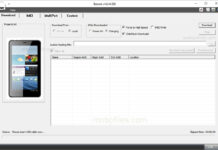
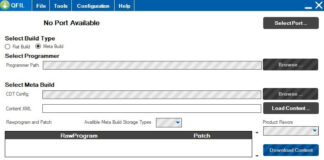
🛠️ Android Utility Tool – Download (Latest Version) Android Utility Tool is a powerful and free multi-brand mobile servicing tool that supports a wide range of Android devices and chipsets. It enables you to perform advanced operations such as Factory Reset, FRP Bypass, MI Account Reset, Boot Repair, RPMB Reset, and even Flashing Stock Firmware.
✅ Chipsets: MediaTek (MTK), Qualcomm, UniSoC (SPD), Kirin
📥 Download Latest Android Utility Tool (All Versions) The Android Utility Tool is a reliable solution for flashing stock firmware, removing FRP, and resetting screen locks on a wide range of Android devices. It supports popular brands and chipsets like Samsung, Xiaomi, Huawei, MediaTek, Qualcomm, and more.
🔄 We recommend using the latest version of the tool to ensure maximum compatibility and feature support.
 Readme Once
🔄 Take a Backup:
Before using Android Utility Tool for unlocking, flashing, or resetting, we strongly advise taking a full backup of your important data.

❗ All user data may be permanently erased during the process.

🆕 Recommend:
Always use the latest version of the tool to ensure compatibility with the newest devices and features.

🙏 Credits
Author Credit:
Full credit goes to androidutility.com – the official developer and distributor of the Android Utility Tool.
They have generously made it available with limited free access to the Android repair community